





the short version
- Make it work muted first. Feeds autoplay video without sound, so the type tells the story and the sound is a bonus.
- Six beats: the hook, the problem, the turn, the product, the promise and the end card. Spend half the film on the problem and the turn.
- Pick the music first, cut on its beat, put the big moment on the drop, and give it a breath of near-silence just before.
- Hold every phrase long enough to read twice, and hold the end card for at least two seconds with one action on it.
- You need several cuts: 16:9 for X and your site, 9:16 for TikTok and Reels, a 30-second App Store preview, and a poster frame.
In this post8 sections
A launch film is the one piece of your launch that people will actually share. Screenshots get looked at, landing pages get skimmed, but a good 45-second film gets reposted, dropped into investor updates and played at the start of pitches.
We just made our own, so this post uses it as the worked example. It’s in the hero of our homepage and right here. Watch it once with the sound off before you read on, because that’s the version that matters most.
Want one like it for your launch?
 hmm, the film won’t play hereYour browser couldn’t load it. Try another one, or book a call and we’ll send it over.
Why 45 seconds

Long enough to tell a small story with a beginning, a middle and an end. Short enough to survive a feed, where every second has to earn the next one. Under 30 seconds and you can usually only do the product, not the story. Over 60 and you’d better be very funny.
Different places want different lengths, so plan for cuts from the start (more on that below). The 45-second version is the hero: the one on X, on your site, and in the pitch deck.
Muted first
Video autoplays muted in most feeds, and plenty of people never tap for sound. So the film has to tell its whole story with the sound off. Sound is the bonus that makes it great, not the thing that makes it make sense.
In practice that means:
- Type carries the story. One word or short phrase at a time, centred and big. On a 1080p frame we set the main words somewhere around 96–160px. If it looks a bit too big in the edit, it’s right on a phone.
- Hold it long enough to read twice. Our rule for every phrase in our film. Reading once is enough to see it; reading twice is enough to remember it.
- Don’t let a voice-over carry the meaning. If you make a VO version (we did, as an alternative cut), caption it properly with a
.vttfile and make sure the on-screen words still tell the story without it. - Frame zero is a poster. The first frame is what people see before they press play, on your site and as a thumbnail. Ours is the same orange sky, pixel flame and wordmark as our site, so pressing play on the homepage feels seamless.
The six beats
Most good launch films have the same skeleton, whatever the app. Here it is, with timings for a 45-second film, and what we did in ours:
| Beat | Roughly | Job | In our film |
|---|---|---|---|
| 1. Hook | 0–3 s | Earn the next ten seconds | The poster comes alive: the flame flickers and the camera pushes into it |
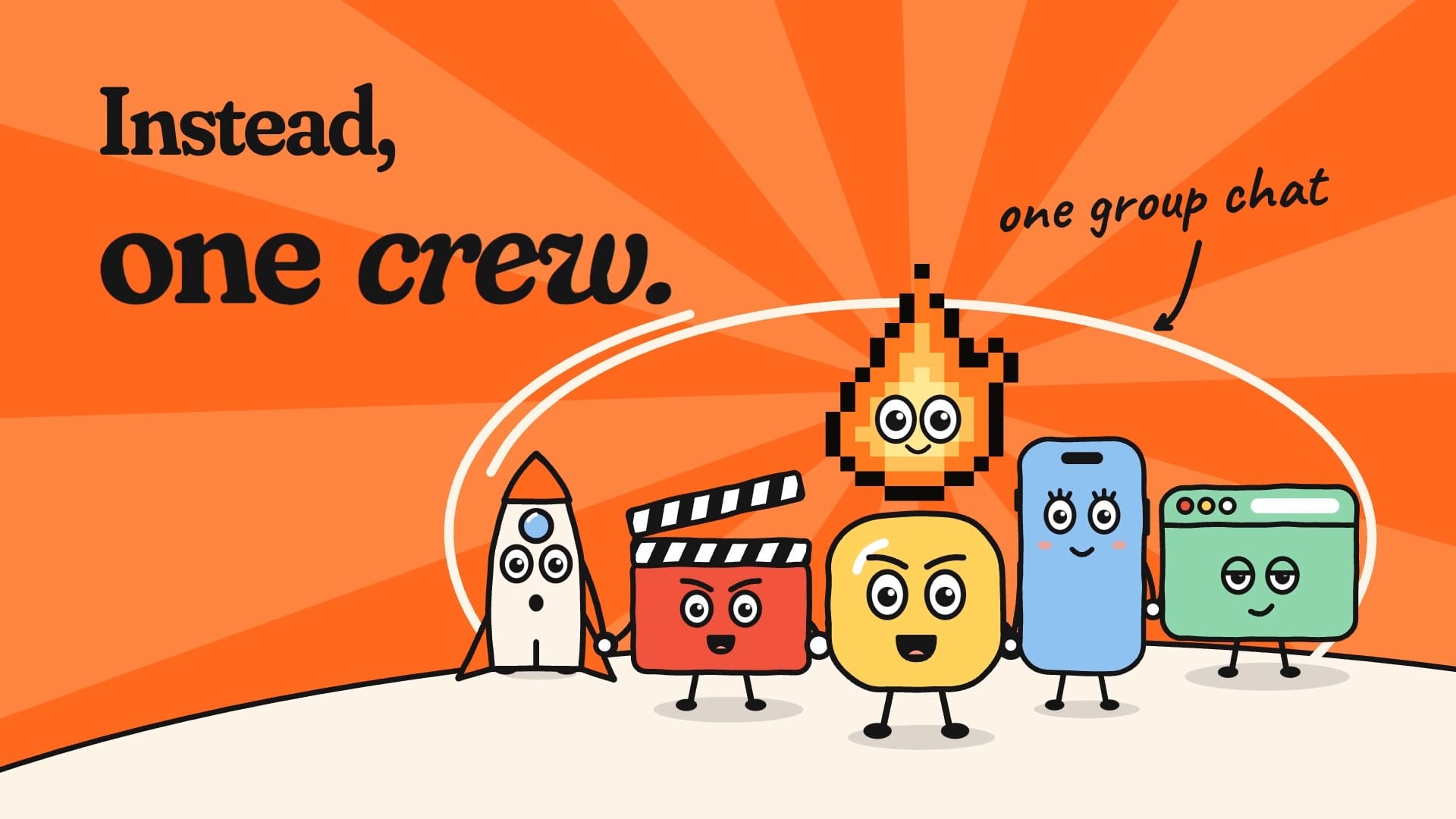
| 2. Problem | 3–20 s | Make them nod | “You built it.” “Months of late nights.” “The launch.” circled in orange. A to-do list stacks up on the beat. “So you hire six strangers off the internet. None of them have met.” |
| 3. Tension | a few seconds | Make it worse, then go quiet | Launch day: |
| 4. The turn | on the drop | The one big moment | The flame bursts, the screen goes orange: “Instead: one crew.” |
| 5. Product | 10–12 s | Show, quickly, what you do | “We design it.” “Film it.” “Post it.” “And run the day with you.” Real work and real UGC reels flick past |
| 6. Promise + end card | 7–8 s | Say it, then tell them what to do | “Four weeks, teardown to take-off.” “You built it. We launch it.” Back to the orange sky: IGNURA, ignura.com, “Book a free call” |

Spend half the film on the problem. People don’t share features; they share the feeling of being understood.
Notice how much of the film is the problem. That’s deliberate. The product section is short and fast because, by then, the audience already wants the answer. If you open with the product, nobody has a reason to care yet.
What goes in the product beat
For an app, the product beat is where your hero moment lives. Use real UI from the real app, captured cleanly, and keep each shot short: a second or two is plenty if the type has set it up. Three moments beat a tour of every screen. People will download the app to see the rest.
Music and sound
Pick the music first, then cut to it. It’s tempting to edit the picture and “find some music” at the end. Don’t. The music is the film’s structure: its build, its drop and its ending are your beats. Ours is a warm, plucky track at 120 bpm, built in sections to match the beat sheet: a soft intro, a build through the problem, a breakdown that almost stops at “soon”, and a drop on the turn.
Cut on the beat. Find the track’s beat grid and put every cut on it. You don’t need to be a musician; you just need the edit points to land where your foot taps. It’s the difference between a film that feels expensive and one that feels like a slideshow.
Go quiet before the turn. A breath of near-silence just before the big moment makes the drop hit twice as hard. This is the single most effective trick in the whole structure.
Keep sound effects low. Soft pops for words landing (not every word), a whoosh for big camera moves, one satisfying hit on the turn. Mix them well under the music and duck the music slightly under the key hits.
Master for social. We mastered ours to about -14 LUFS, which sits comfortably on most platforms. And check the licence: music needs to be cleared for commercial use, especially if the film might ever run as an ad.
The end card

The end card is where people decide what to do next, so it gets more care than it usually does.
- Hold it. At least two seconds after everything has landed. Ours runs from the last downbeat through the music’s ring-out, about four seconds.
- One action. Your name, your URL and one thing to do. Not the App Store badge, the Play badge, four social handles and a QR code. Pick one.
- Call back to the start. Our end card returns to the orange sky of frame zero, so the film feels finished, and it loops neatly if a platform repeats it.
The cuts you’ll actually need
Plan these before you animate a single frame, because reframing a finished 16:9 film into 9:16 is miserable.
How we make one in two weeks
A rough shape of our two-week launch film schedule:
- Script (day 1). Words only, one page. If the words don’t work as a list of lines on a page, no amount of animation will save them.
- Beat sheet and music (days 2–3). Every line gets a time and a beat. We lock the track here.
- Animatic (days 3–4). Rough boxes and placeholder type, cut to the music. This is where you find out the problem section is too long (it always is, at first).
- Build (days 5–9). Type, UI, the drawn bits, the camera moves.
- Sound and master (days 10–11). Effects, mix, loudness.
- Cuts, posters and captions (days 12–14). Every format from the list above, checked on real phones.
Mistakes we’d avoid
- Opening on your logo for three seconds
- A feature list read out loud
- UI so small it’s unreadable on a phone
- Stock footage of people high-fiving in an office
- A voice-over that carries all the meaning, so the muted version says nothing
- Music chosen at the end and slapped on top
- An end card with six things on it, or no action at all
Our launch film package is 30–60 seconds for X, your site and the App Store, in two weeks, from £3,000. It’s on the menu, and it’s part of every Ignite launch. If you want to see how we’d structure yours, book a free call and bring your hero moment.